
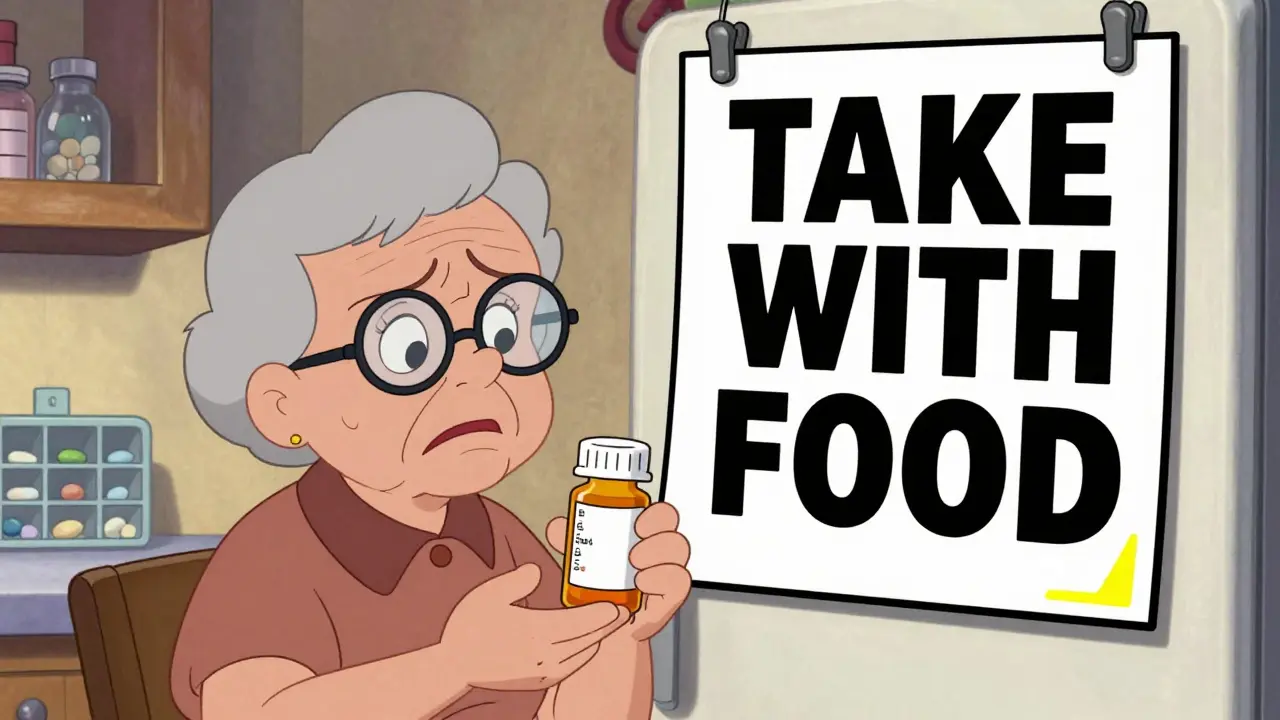
Imagine picking up your medication, holding the bottle in your hands, and not being able to read what’s written on the label. Not just a little blurry - completely unreadable. For millions of people with low vision, this isn’t rare. It’s daily. And the consequences? Taking the wrong pill, the wrong dose, at the wrong time. It’s not just inconvenient. It’s dangerous.
Why Standard Prescription Labels Fail People with Low Vision
Most pharmacy labels are printed in tiny, 8- to 10-point font. That’s fine if you have 20/20 vision. But for someone with macular degeneration, glaucoma, diabetic retinopathy, or other vision loss, that text is invisible. The American Foundation for the Blind found that most people with moderate vision impairment can’t read anything smaller than 14-point font. Yet pharmacies still hand out labels designed for perfect eyesight. The problem isn’t just size. It’s contrast, layout, and clutter. Many labels use gray text on white, or tiny capital letters mixed with numbers and symbols. Instructions like “Take 1 tab po qd” mean nothing without medical training. And if the label is crammed into a space meant for a 10-point font, it becomes a jumbled mess. People end up guessing. Or worse - asking someone else to read it for them. That’s not independence. That’s risk.What Makes a Prescription Label Actually Accessible?
Accessible labels aren’t just “bigger text.” They’re designed with real needs in mind. The standards are clear, and they’re backed by research.- Font size: At least 18-point. Some experts recommend 24-point for maximum clarity. Standard labels can’t fit everything at this size - so pharmacies use duplicate labels. One small one stays on the bottle. The large one goes in a separate sleeve or envelope.
- Font type: Sans-serif fonts like Arial, Verdana, or APHont™ (a free font designed specifically for low vision users by the American Printing House for the Blind).
- Contrast: Pure black text on a white background. No gray. No cream. No glossy paper that reflects light.
- Layout: Left-aligned text. Instructions in uppercase numbers (like “TAKE 1 TABLET”) but lowercase letters for words. Yellow highlighting for critical info like “Take with food” or “May cause drowsiness.”
The Three Main Types of Accessible Labels
Not every solution works for everyone. There are three main types - each with strengths and limits.1. Large Print Labels
This is the most common option. Pharmacies print a second, larger version of the label. You get the original small one on the bottle, and a separate large print sheet you can keep on your fridge, in your pill organizer, or taped to your medicine cabinet. Pros: No tech needed. Instant. Works anywhere. No batteries. Free at most major pharmacies. Cons: Requires you to physically switch between labels. Can get lost. Doesn’t help if you can’t see well enough to read even 18-point text.2. Audible Labels (Like ScripTalk)
ScripTalk is an RFID chip embedded in the label. You tap the bottle against a small handheld reader - and it speaks the full label out loud: drug name, dosage, instructions, refill info, warnings. Pros: Full information. No reading required. Works even if you’re completely blind. Available at CVS, Walgreens, and other chains. Cons: You need the reader. Some users find the device awkward. Older adults who aren’t tech-savvy may struggle to use it. The reader costs $150-$200, though some pharmacies lend them out.3. QR Code + Audio Labels (Like ScriptView)
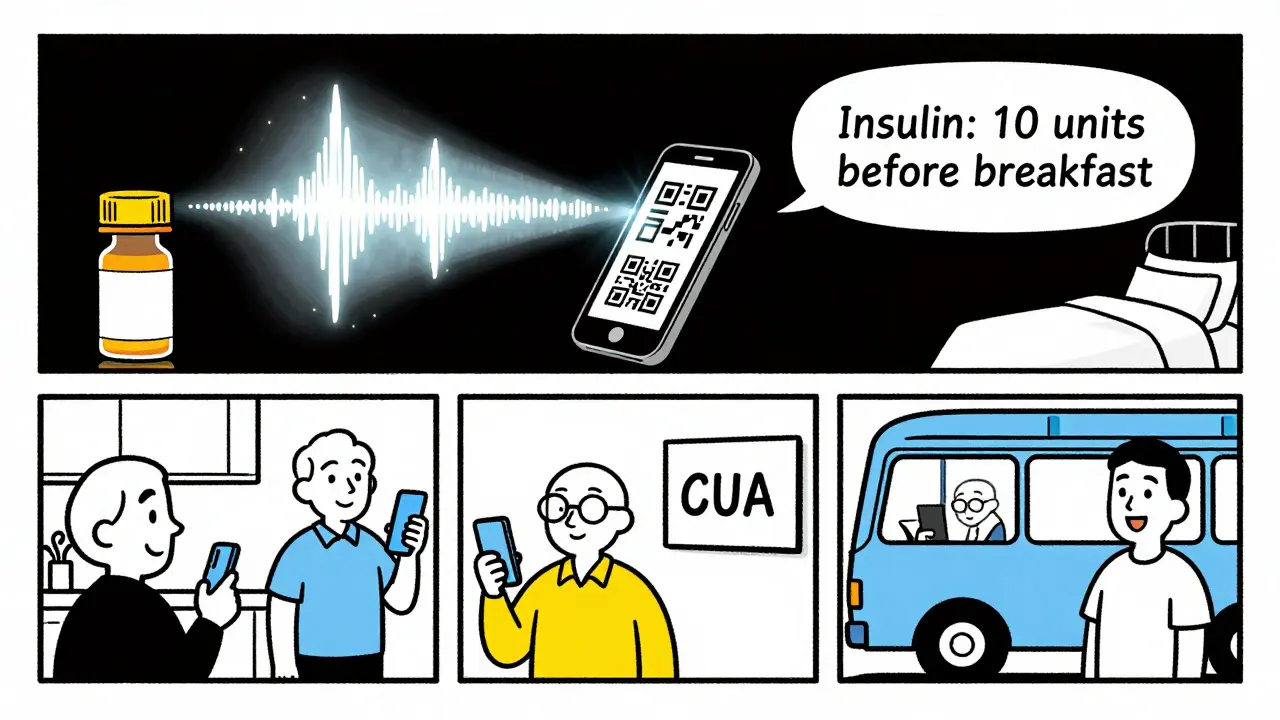
UK HealthCare and others use QR codes. Scan it with your phone, and an audio file plays. You can listen on repeat. Some systems even let you download the audio to your phone so you don’t need internet. Pros: No extra device needed if you have a smartphone. Can be translated into other languages. Easy to update if your prescription changes. Cons: Requires a smartphone and basic tech skills. If your phone dies, you’re stuck. Not everyone has a smartphone.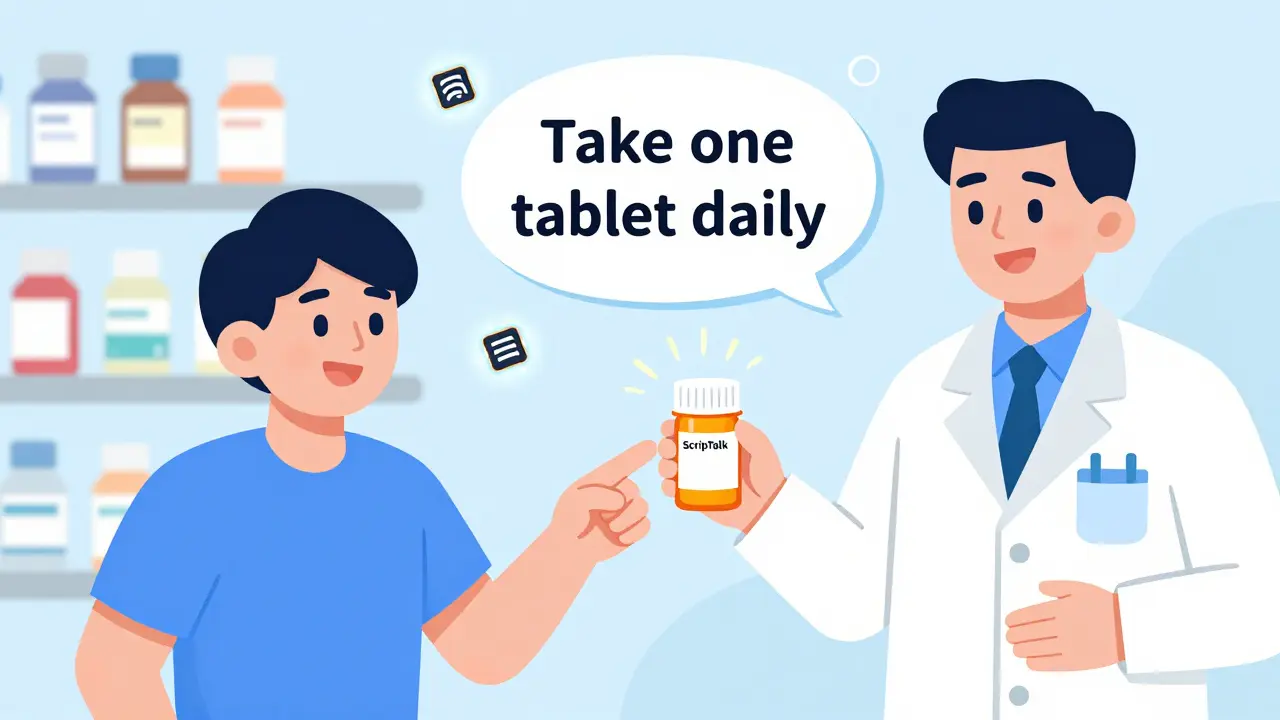
Who Offers These Services - And Are They Free?
You don’t have to beg for help. Major U.S. pharmacies are legally required to offer accessible labels under the FDA Safety and Innovation Act of 2012. Here’s what’s available:- CVS: Offers large print, ScripTalk, and Braille. ScripTalk is free. You can request it at pickup or over the phone.
- Walgreens: Large print and ScripTalk. They’ll mail you a free reader if you qualify.
- Walmart: Large print labels available at most locations. Some offer QR code audio.
- UK HealthCare (Kentucky): ScriptAbility program offers large print, audible, and translated labels - all free, no questions asked.
How to Get Accessible Labels - Step by Step
You don’t need to be an expert. Here’s how to make sure you get the right label:- Ask directly. Don’t say, “Do you have big print?” Say: “I have low vision. Can you print a large print label for me in 18-point Arial?”
- Ask for ScripTalk or QR code labels. If you have a smartphone, say: “Can you add a QR code that plays an audio version of my label?”
- Request a duplicate label. If they only give you one label, ask for a second one - bigger - to keep separately.
- Check the label before leaving. Look at the font size. Is it readable? Is the contrast clear? If not, ask them to fix it.
- Call ahead. If you’re new to the pharmacy, call and ask: “Do you offer accessible prescription labels?” This saves time.
What If Your Pharmacy Says No?
Some pharmacists don’t know the rules. Others think it’s too much work. But here’s the truth: it’s the law. The FDA mandates accessible labeling. The Department of Justice says refusing is a violation of the Americans with Disabilities Act. In 2022 alone, there were 17 formal complaints and 3 settlements totaling $450,000 because pharmacies didn’t comply. If you’re turned down:- Ask to speak to the pharmacist-in-charge.
- Ask for the pharmacy’s policy on accessible labels.
- Call the pharmacy’s corporate office. CVS and Walgreens have national hotlines.
- Report them to the National Federation of the Blind. They track non-compliance.
Real Stories: How Accessible Labels Changed Lives
One 78-year-old woman in Kentucky had diabetes. She was taking her insulin at the wrong time because she couldn’t read the label. She ended up in the ER three times in six months. After switching to ScriptView large print labels with audio, her hypoglycemic episodes dropped by 75%. A Reddit user named VisionLiberation wrote: “Since my pharmacy started offering 18-point Arial labels, I’ve stopped taking the wrong pills twice a week. It’s literally life-changing.” Across 1,247 verified reviews on Healthgrades, accessible labeling services average 4.7 out of 5 stars. The top two reasons people praise it? “I can read my meds on my own” and “I’m not scared to take them anymore.”What’s Coming Next?
The future of prescription labels is digital - and faster. CVS is spending $15 million to roll out ScripTalk to all 9,900 of its U.S. locations by late 2024. The FDA is drafting new rules that will require accessible labels on electronic prescriptions and patient portals by 2026. New tools like Be My Eyes’ AI-powered label reader - where a volunteer on video calls helps you read your label in real time - are already helping over 400,000 people monthly. The goal? No one should have to guess what’s in their pill bottle.Final Thoughts: This Isn’t a Luxury. It’s a Right.
Accessible prescription labels aren’t about being fancy. They’re about safety, dignity, and independence. If you can’t read your meds, you can’t manage your health. And if you can’t manage your health, your life gets harder - and riskier. You don’t need to wait for someone to offer you help. You don’t need to feel embarrassed to ask. You have the right to read your own labels. And pharmacies have the legal and moral duty to give them to you. Start today. Ask. Demand. Repeat. Your life depends on it.Are large print prescription labels free?
Yes. At major pharmacy chains like CVS, Walgreens, and Walmart, large print, audible (ScripTalk), and QR code labels are offered free of charge. There is no fee, subscription, or membership required. You just need to ask.
Can I get accessible labels for over-the-counter medications?
Most pharmacies only provide accessible labels for prescription medications. However, some chains like CVS and Walgreens will make large print versions of OTC labels if you ask - especially if you’re a regular customer. You can also request printed copies of OTC instructions from the manufacturer’s website.
What if I’m completely blind? Will large print labels help me?
Large print labels won’t help if you can’t see at all. For total blindness, audible labels like ScripTalk or QR code audio systems are the best options. These let you hear the full label information without needing to read anything. Braille labels are also available but only useful if you read Braille - which only about 10% of blind people do.
Do I need to have a diagnosis to get accessible labels?
No. You don’t need a doctor’s note, diagnosis, or proof of vision loss. Pharmacies are required to provide accessible labels to anyone who asks. If they say you need documentation, they’re wrong. Just say, “I have trouble reading small print.” That’s enough.
How do I know if my pharmacy offers these services?
Call ahead and ask: “Do you offer large print, audible, or QR code prescription labels?” Major chains like CVS and Walgreens do. Independent pharmacies may not - but you can still ask. If they say no, ask to speak to the pharmacist-in-charge or contact the corporate office. You have the right to these services under federal law.

Shawn Peck
January 31, 2026 AT 07:45This is why pharmacies are failing us. I had to beg for a big print label at CVS last week. The pharmacist acted like I was asking for a royal pardon. You don't need a PhD to read a pill bottle. Just give me the damn font size that works.
18-point isn't luxury. It's basic human decency. And if they can print tiny labels for people who see fine, they can print big ones for those who can't. It's not rocket science.
They charge $20 for a flu shot but won't spend 2 cents on readable ink? I'm done.
Gaurav Meena
January 31, 2026 AT 17:22Thank you for sharing this! 🙏 I'm from India and we don't have this system here yet, but I'm sharing this with my cousin who's blind and on insulin. She's been struggling for years.
Let's push for this globally. No one should fear their own medicine. You're right - it's not a privilege, it's a right. 🌍❤️
Beth Beltway
February 1, 2026 AT 01:20Let’s be real - most of these ‘accessible’ labels are still garbage. I’ve seen 18-point Arial on glossy paper with 50% opacity text. That’s not accessible. That’s performative. You need high-contrast matte paper, no glare, no clutter.
And don’t even get me started on QR codes. If your phone dies, you’re dead. That’s not accessibility. That’s tech-washing. Real accessibility doesn’t require batteries or Wi-Fi.
Natasha Plebani
February 2, 2026 AT 09:10The epistemological rupture here is not merely about font size - it’s about the ontological erasure of embodied cognition in institutional design.
Pharmacies operate under a normative visual paradigm that assumes perfect ocular function as the default human condition. This is not negligence - it’s structural ableism baked into bureaucratic infrastructure.
Large print is a band-aid. What we need is multimodal labeling: tactile, auditory, and haptic feedback integrated into the container itself - not as an add-on, but as the primary interface. The current model treats accessibility as an accommodation. It should be the baseline.
And yes - the FDA’s 2012 mandate is toothless without enforcement. Compliance is voluntary. That’s not law. That’s a suggestion with a badge.
Kelly Weinhold
February 3, 2026 AT 02:08I just want to say - you’re not alone. I’ve been there. I used to take my meds by color because I couldn’t read the labels. I was terrified. Then I asked for the big print at Walgreens - they gave me a sheet bigger than my hand. I taped it to my fridge.
Now I take my pills with confidence. No more panic. No more asking my grandkids to read for me.
It’s not magic. It’s just… human. Please, if you’re reading this - ask. Ask again. Ask louder. They can’t say no forever. You’ve got this. 💪❤️
Kimberly Reker
February 3, 2026 AT 05:38My mom is 82 and has macular degeneration. She didn’t tell anyone for years because she didn’t want to be a burden. Then she took the wrong blood pressure pill. Ended up in the hospital.
We went to CVS. Asked for large print. They handed it over like it was nothing. No questions. No attitude.
She cried. Not because she was sick - because she finally felt seen.
Don’t wait for a crisis. Ask now. It’s easier than you think.
Eliana Botelho
February 3, 2026 AT 05:41Wait - so you’re saying pharmacies are legally required to do this? Then why do I keep hearing people say they had to fight for it?
And why do I see people using ScripTalk readers like they’re holding a spaceship remote? That thing looks like it’s from 2005.
Also - QR codes? You need a smartphone? So what about the 15% of seniors who don’t own one? You’re not helping them. You’re just replacing one problem with another.
And why is Braille still an option? Only 10% of blind people read it? Then why are we still talking about it like it’s a solution? This whole system feels like a PR stunt.
Rob Webber
February 4, 2026 AT 04:57I’ve been to 12 different pharmacies. 11 of them said ‘We don’t do that.’ One said ‘We’ll charge you $25.’
That’s not a pharmacy. That’s a scam.
They know the law. They just don’t care. And until someone sues them into the ground, they won’t change.
Stop asking. Start filing complaints. I’ve filed three. Two got settled. The third is pending. They’re scared. Good.
Don’t be polite. Be relentless.
calanha nevin
February 6, 2026 AT 02:44Accessible prescription labeling is a civil right under Title III of the Americans with Disabilities Act. Pharmacies are public accommodations. Refusal constitutes discrimination.
Requesting large print, audible, or QR-based labels requires no documentation. No diagnosis. No proof. Only a verbal request.
Pharmacists are obligated to provide these services promptly and without delay. If they refuse, escalate to the pharmacist-in-charge. Document the interaction. Report to the ADA National Network.
Your safety is non-negotiable.
- Calanha Nevin, PharmD, ADA Compliance Advocate
Lisa McCluskey
February 7, 2026 AT 05:12I work at a small pharmacy in Ohio. We didn’t offer large print until last year. One customer came in, held up her label, and said ‘I can’t read this. I’m not dumb. I just can’t see.’
We started doing it. Now 80% of our elderly customers ask for it.
It takes 90 seconds. We print it on plain paper. No fancy printer. No cost.
It’s not hard. It’s not expensive. It’s just kind.
Do it. Please.
owori patrick
February 8, 2026 AT 13:42This is beautiful. I’m from Nigeria and we don’t have this yet. But I’m sharing this with my sister who is visually impaired. She takes six pills a day. She cries sometimes because she can’t read them.
Thank you for writing this. I hope someone in our government sees this. We need this here too.
God bless you for speaking up.
Claire Wiltshire
February 8, 2026 AT 21:09As someone who has trained pharmacy staff on accessibility protocols, I can confirm: every major chain has the capability. The barrier is training and culture.
Many staff don’t know the law. They think it’s a special request. It’s not. It’s standard.
Always ask for ‘18-point Arial, black on white, no glare.’ If they hesitate, say: ‘I’m not asking for a favor. I’m exercising my legal right.’
They’ll comply. Most want to. They just need to be reminded.
Darren Gormley
February 10, 2026 AT 10:53QR codes? Really? 😂
So now we’re digitizing blindness? Brilliant. Next they’ll make us scan our insulin pens to get a Spotify playlist of ‘How to Not Die Today.’
And who’s gonna teach my 80-year-old aunt how to use her phone? She can’t even turn on her hearing aid without help.
Also - why is ScripTalk still using RFID? That’s 2008 tech. Bluetooth LE + NFC would be cheaper, faster, and work with any phone.
This whole thing feels like a committee designed it after a nap.
Mike Rose
February 11, 2026 AT 00:27bro why are we even talking about this like its a big deal
just use google lens
it reads text
done
problem solved
why are pharmacies still printing stuff
Russ Kelemen
February 12, 2026 AT 05:13I’ve spent 15 years working with older adults who are losing their sight. What I’ve learned is this - accessibility isn’t about technology. It’s about dignity.
When someone can read their own label, they don’t need to ask for help. They don’t need to feel ashamed. They don’t need to fear making a mistake that could kill them.
That’s not a feature. That’s freedom.
And freedom doesn’t come from a QR code or a reader. It comes from being treated like a person who deserves to know what’s in their own body.
So ask. Demand. Repeat.
Because the next life saved might be your mom’s. Or your dad’s. Or yours.
Don’t wait for someone else to fix it.
Fix it yourself.